Prison Legacy Steam Deck Compatibility Guide
Official Deck support meets Vulkan reality — set up handheld, docked, and Low Memory play.
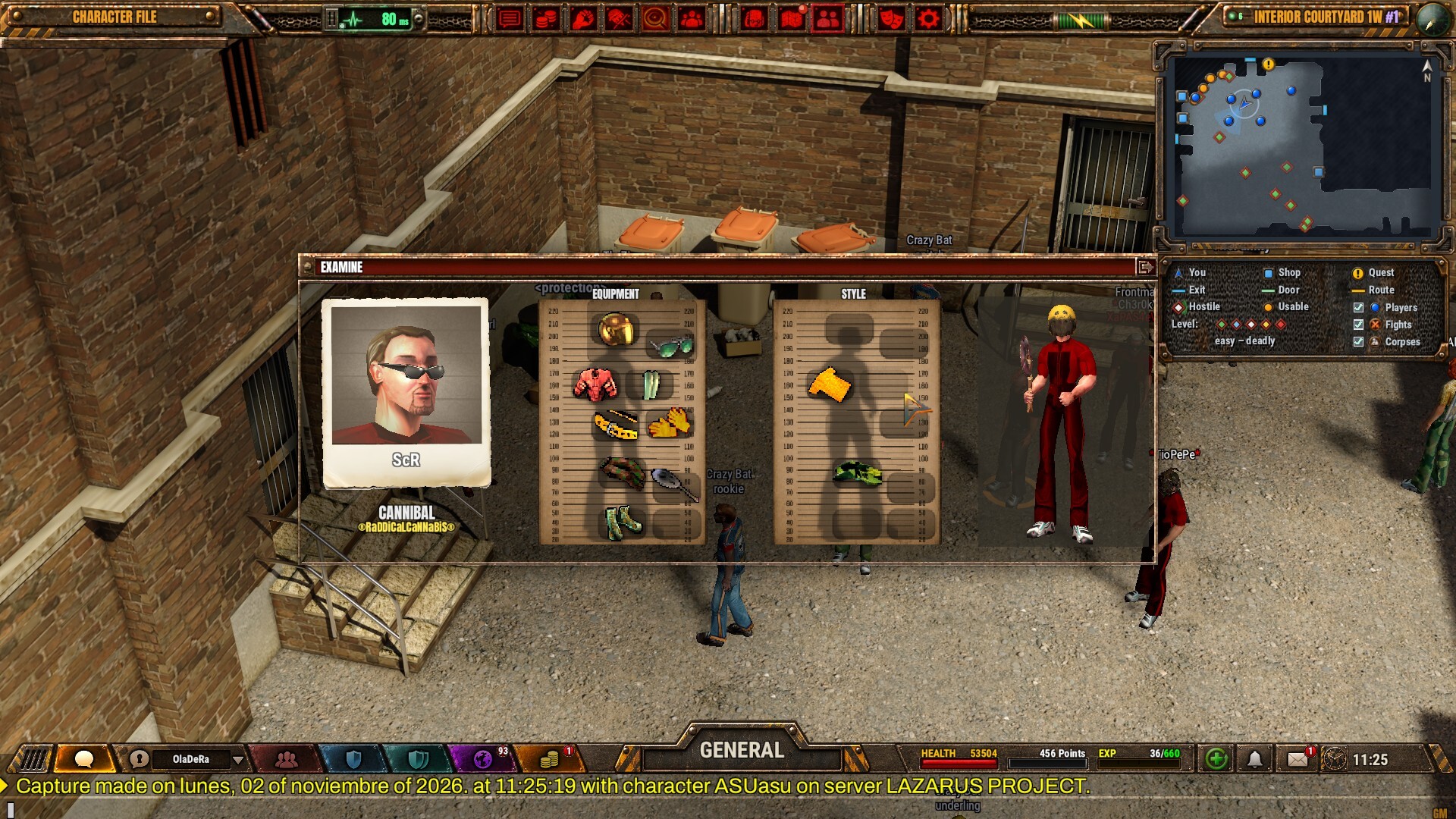
Prison Legacy lists Steam Deck compatibility in official press and store materials for the 20 November 2026 Steam launch. The client is a native Windows and Linux Vulkan build with no DirectX or OpenGL fallback, so Deck success depends on a healthy Vulkan path, sane thermals, and honest expectations about mouse-first UI. This guide covers what “compatible” means in practice, how to configure the handheld, when to dock, and where full PC specs live.
Full numeric requirements stay on System Requirements. Input habits and bind priorities live on Controls. After the client boots cleanly, follow Getting Started for your first hours in the yard.
What official compatibility promises
Press kit and store copy call out Steam Deck compatibility from launch alongside the custom Vulkan engine, 64-bit clients, and English/Spanish localisation. That is a developer claim that the game is intended to run on Deck hardware — not a Valve Verified badge with a published performance tier on every Deck revision. Treat first boot as a verification step: install, confirm Vulkan initialises, play a quiet corridor loop, then stress a contested chat-heavy session.
Because there is no DX/GL fallback, a broken Vulkan ICD on Deck equals a hard launch failure the same way it does on desktop Linux. Do not assume Proton will invent a second graphics API for this title.
Vulkan first, always
Checklist before you blame the game:
- Update SteamOS and let the Deck finish pending system updates.
- Confirm GPU drivers expose Vulkan (SteamOS Mesa stacks are the usual path on Deck).
- Launch once from Gaming Mode, then once from Desktop Mode if Gaming Mode fails — note which path works.
- If the client never reaches the login UI, capture the error text and your SteamOS build before asking on official Discord channels linked from the Links Hub.
- Re-read system requirements after major SteamOS or Mesa branches, not after every content patch.
Minimum desktop notes already warn that 1 GB VRAM needs Low Memory mode and that pre-2015 Intel is unsupported. Deck APU memory is shared; still enable Low Memory and lower effects if hitching or thermal throttle appears during long craft or clan nights.
Thermals and session length
Prison Legacy is a social MMORPG with always-on chat, turn-based fights, and craft UIs that keep the device awake for hours. Handheld play is comfortable for short missions and corridor exploration. Long contested events, sixteen-player clan stacks, and trade spam sessions push heat harder than a single quiet craft loop.
Practical habits:
- Cap frame rate in SteamOS Quick Access so the APU is not rendering unused frames while you wait on a turn.
- Lower effects and shadows before a multi-hour social block.
- Rest the Deck on a hard surface; avoid soft bedding that blocks exhaust.
- If the shell throttles mid-event, finish the fight, then cool down before the next contested push.
- Prefer docked play when you know the night will be craft-heavy or diplomacy-heavy.
Thermals are not a skill issue — they are a planning issue. Schedule bare-fist practice and Fanucci-range firearms drills for cooler rooms if your Deck already runs warm on other Vulkan titles.
Controls: designed for mouse and keyboard
Official store notes say the game is designed for mouse and keyboard. On Deck that means:
- Community controller layouts are your friend. Browse Steam Input layouts for Prison Legacy and pick one that maps inventory, chat focus, confirm, and flee within easy reach.
- Build a radial or quick menu for bag, medicine, and flee — panic paths matter more than perfect camera sticks.
- Use the on-screen keyboard presets for trade spam; do not try to type long price lists on the touch pads during a heated deal.
- Rebind after your first contested fight; empty-yard binds often fail when chat scrolls.
Deep bind theory sits on the Controls page. Bring those habits to Deck, then adapt the layout rather than inventing a second control philosophy.
Docked play (recommended for craft and trade)
Dock the Deck, attach a USB mouse and keyboard, and treat the session like a small Linux desktop. Crafting professions — cooking, chemistry, sewing, mechanics, jewelry, repair — punish full bags and misclicks. Mouse accuracy makes locker vaulting, filter use, and trade windows far less stressful than pure trackpads.
Docked checklist:
- External mouse before you open a ten-step recipe.
- External keyboard for chat colours, whispers, and clan pings.
- External display if you want larger UI hit targets at 1080p.
- Same Vulkan and Low Memory settings you validated handheld — docking does not remove the API requirement.
Many players will handheld for missions and dock for economy nights. That split matches how the beta’s heavy craft volume rewarded organised inventory work.
Low Memory mode and shared RAM
Store requirements note that 1 GB VRAM class GPUs need Low Memory mode with reduced settings. On Deck, enable Low Memory early if you see stutter when yards fill, when many clothing meshes and weapon visualisations load, or when chat plus craft UI stack together. Free a few background Flatpaks in Desktop Mode before long sessions if you also browse guides on the device.
Keep install plus shader cache headroom on the internal SSD or a fast SD card. The desktop minimum is about 5 GB with 8 GB recommended free for patches — leave margin so mid-session updates do not fill the volume.
Handheld vs desktop expectations
| Scenario | Deck tip |
|---|---|
| First boot / Vulkan check | Gaming Mode first; Desktop Mode if needed |
| Short missions & exploration | Handheld fine with FPS cap |
| Contested PvP blocks | Cap FPS, lower effects, know flee bind |
| Crafting / trading marathons | Dock + mouse |
| Clan events up to 16 | Prefer docked; watch thermals |
| Helping a friend buy | Send them system requirements first |
Troubleshooting quick path
- Verify Vulkan and SteamOS currency.
- Enable Low Memory; lower effects; cap FPS.
- Try a community layout; confirm flee and inventory.
- Dock with mouse if UI misclicks dominate.
- Verify game files on Steam after a failed launch.
- Ask bilingual support channels with SteamOS build, whether you used Gaming or Desktop Mode, and the exact failure text.
After Deck boots cleanly
Return to Getting Started for crime selection and first-day loops. Revisit Controls when you change layouts. Watch the Updates Hub if a hotfix mentions drivers, Vulkan, or launcher changes. Stable Deck play is the quiet foundation under every Mercenary duel and every late-night craft queue — get the API and thermals right, then worry about the yard.
Frequently Asked Questions
Quick answers for new and returning inmates.
Is Prison Legacy officially Steam Deck compatible?
Yes. Official press and store materials list Steam Deck compatibility from the 20 November 2026 launch. Still verify Vulkan performance on your unit after install.
Does the Deck need Vulkan for Prison Legacy?
Yes. The custom engine targets Vulkan 1.1 with no DirectX or OpenGL fallback. If Vulkan fails to initialise, the client will not run on Deck or desktop.
Should I play Prison Legacy docked on Steam Deck?
Docked mouse and keyboard is best for crafting, trading, and long clan nights. Handheld works for shorter missions if you cap FPS and manage thermals.
What is Low Memory mode for?
Official notes say 1 GB VRAM class GPUs need Low Memory mode with reduced settings. Enable it on Deck if yards, clothing, and chat UI cause hitching.
Are community controller layouts required?
The game is designed for mouse and keyboard. Community Steam Input layouts help map inventory, chat, confirm, and flee for comfortable handheld play.
Where are full PC system requirements?
See the System Requirements page for Windows and Linux minimums, recommended specs, and Vulkan verification steps.